
What Should a Medical Practice Website Include at Launch?
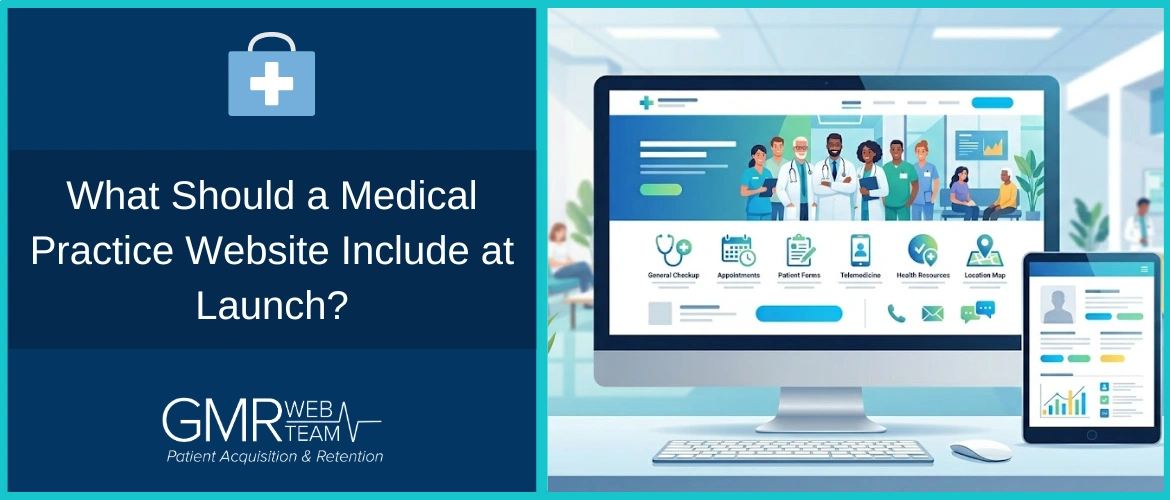



Many new medical practices invest significant time and effort into building a visually appealing website. The layout is clean, the branding feels professional, and the site reflects the identity of the practice. But once it goes live, a common issue emerges. It does not consistently generate patient inquiries or appointments.
A website at launch is not just a digital presence. It is one of the first places patients evaluate whether to move forward with a provider. The shift toward digital healthcare is accelerating. The global digital health market was valued at over $300 billion in 2024 and continues to grow rapidly, reflecting the central role digital platforms have come to play in patient access and decision-making.
If the structure does not support decision-making, visibility alone does not lead to bookings. For a new practice, the website's role is straightforward. It should help patients understand, trust, and take the next step without hesitation.
How Patients Use a Medical Website?
Patients do not approach a medical website the way they would browse other types of content.
In most cases, they are trying to decide within a short period. They move quickly between pages, scanning for relevant details rather than reading everything in depth.
They are typically looking for answers to a few practical questions:
- What conditions does this doctor treat
- Does this practice accept my insurance
- Is the provider qualified
- Where is the clinic located
- How do I book an appointment
If these answers are not easy to find, patients rarely spend time searching for them. They move on.
This behavior makes structure more important than design. A website that aligns with how patients evaluate options is far more effective than one that simply looks good.
Essential Website Elements for a New Practice
A website that supports patient acquisition is built around clarity and usability. Each element should reduce uncertainty and make the next step obvious.
1. Clear Positioning Above the Fold: The first section of the homepage should immediately communicate who you treat, what problems you address, and where you are located.
This information needs to be visible without scrolling. At the same time, patients should see a clear next step. Whether it is calling the practice or booking an appointment, the action should be obvious and easy to access.
2. Dedicated Service Pages: Patients rarely search for general services. They search for specific conditions or treatments. This is why each core service should have its own page.
These pages allow you to explain conditions in a way patients understand, outline treatment approaches, and address common concerns.
This structure not only improves patient clarity but also helps the website appear in relevant searches, making it easier for patients to find the practice.
3. Conversion Pathways: A website should make it easy for patients to act without hesitation. This means patients should be able to call directly from their phone, book an appointment online, or submit an inquiry through a secure form.
Navigation between pages should be simple and predictable. Digital scheduling tools also have a measurable operational impact. Studies show that online appointment systems can significantly reduce unused appointment slots and improve overall efficiency, while also lowering no-show rates compared to traditional booking methods.
When these pathways are unclear or require extra effort, patients often delay or choose another provider.
4. Trust Signals: Patients look for reassurance before making a decision. A strong website reflects credibility through visible trust elements. This includes patient reviews, a well-written physician bio, and clear credentials.
Professional photos of the doctor and the practice environment also contribute to the practice's overall sense of establishedness. Insurance clarity is equally important. When patients can quickly confirm coverage, it removes a major barrier to booking.
5. Local Signals: Most patients are looking for care within a specific geographic area. A website should clearly communicate the practice's location and make it easy to confirm its accessibility.
This includes a visible address, an embedded map, and content that reflects the local area. Consistency with local listings also strengthens visibility and reinforces trust.
Common Website Mistakes New Practices Make
Many new practice websites underperform not because of a lack of effort, but because of a few structural gaps.
Common issues include the absence of a clear call to action, messaging that does not clearly define services, and a lack of dedicated service pages. Technical factors such as slow loading speed or poor mobile experience also affect performance.
Another overlooked issue is the lack of tracking. Without visibility into calls or inquiries, it becomes difficult to understand whether the website is working as intended.
How to Increase Appointment Bookings From Your Website?
Improving website performance often comes down to removing friction rather than adding more features.
Patients are more likely to book when the next step is clearly visible and easy to complete. This includes consistently placing calls to action across the site, simplifying the booking process, and ensuring inquiries are responded to quickly.
Highlighting availability and making insurance information easy to access also helps patients move forward with confidence.
Small improvements in clarity and responsiveness often have a direct impact on appointment volume.
Tracking Website Performance
A website should not operate without basic performance visibility.
At a minimum, practices should track how many calls and form submissions are generated, along with where those patients are coming from. Conversion rate is another important indicator, as it reflects how effectively the website turns visitors into inquiries.
This data helps identify what is working and where adjustments are needed.
Website Launch Checklist
Before going live, confirm that the following are in place:
- Clear homepage positioning
- Dedicated service pages
- Click-to-call and booking options
- Physician bio and credentials
- Patient reviews
- Insurance information
- Mobile-friendly design
- Call and form tracking
This ensures the website is ready to support patient acquisition from the start.
In Conclusion
A medical practice website, at launch, should support how patients search for, evaluate, and choose a provider. Clarity, structure, and ease of action determine whether a visitor becomes a patient. When these elements are in place, the website becomes a consistent source of patient inquiries rather than a static online presence.
If you are launching a new practice and want your website to function as a patient acquisition system, working with a team that understands both patient behavior and healthcare-specific requirements can help you avoid common gaps. The GMR Web Team works with practices to build websites designed for clarity, trust, and consistent patient flow.
If you want to evaluate your current website or plan your launch with a structured approach, you can reach out to us for a consultation.
FAQs
1. What should a medical practice website include at launch?
A medical practice website should include clear service-specific content, physician credentials, patient reviews, insurance information, and straightforward ways to book an appointment. Beyond these basics, the structure should reflect how patients make decisions, meaning information must be easy to find, clearly written, and aligned with common patient concerns. A website that only presents information without guiding action is less likely to generate appointments.
2. Why do many new medical practice websites fail to generate patients?
In most cases, the issue is not visibility but conversion. Many websites focus on design but lack clear calls to action, structured service pages, or easy booking pathways. Patients may visit the site but leave without taking action because the next step is not obvious or requires too much effort. These small gaps often have a larger impact than expected.
3. Is it necessary to create separate pages for each service?
Yes. Patients typically search for specific conditions or treatments rather than general services. Dedicated pages allow you to explain each service in context, address patient concerns, and improve search visibility. This also makes it easier for patients to confirm that your practice is relevant to their needs before reaching out.
4. How important is mobile optimization for a new practice website?
Mobile optimization is critical because many patients search for healthcare providers on their phones. A website that is difficult to navigate or slow to load on mobile devices often leads to lost opportunities. A smooth mobile experience supports both usability and conversion.
5. How can a new practice measure whether its website is working?
The effectiveness of a website can be measured through key indicators such as phone calls, form submissions, and appointment bookings. Tracking where patients come from and how they interact with the site provides insight into performance. Without this data, it becomes difficult to make informed improvements.

Be the first to post a comment

Thanks For Comment